
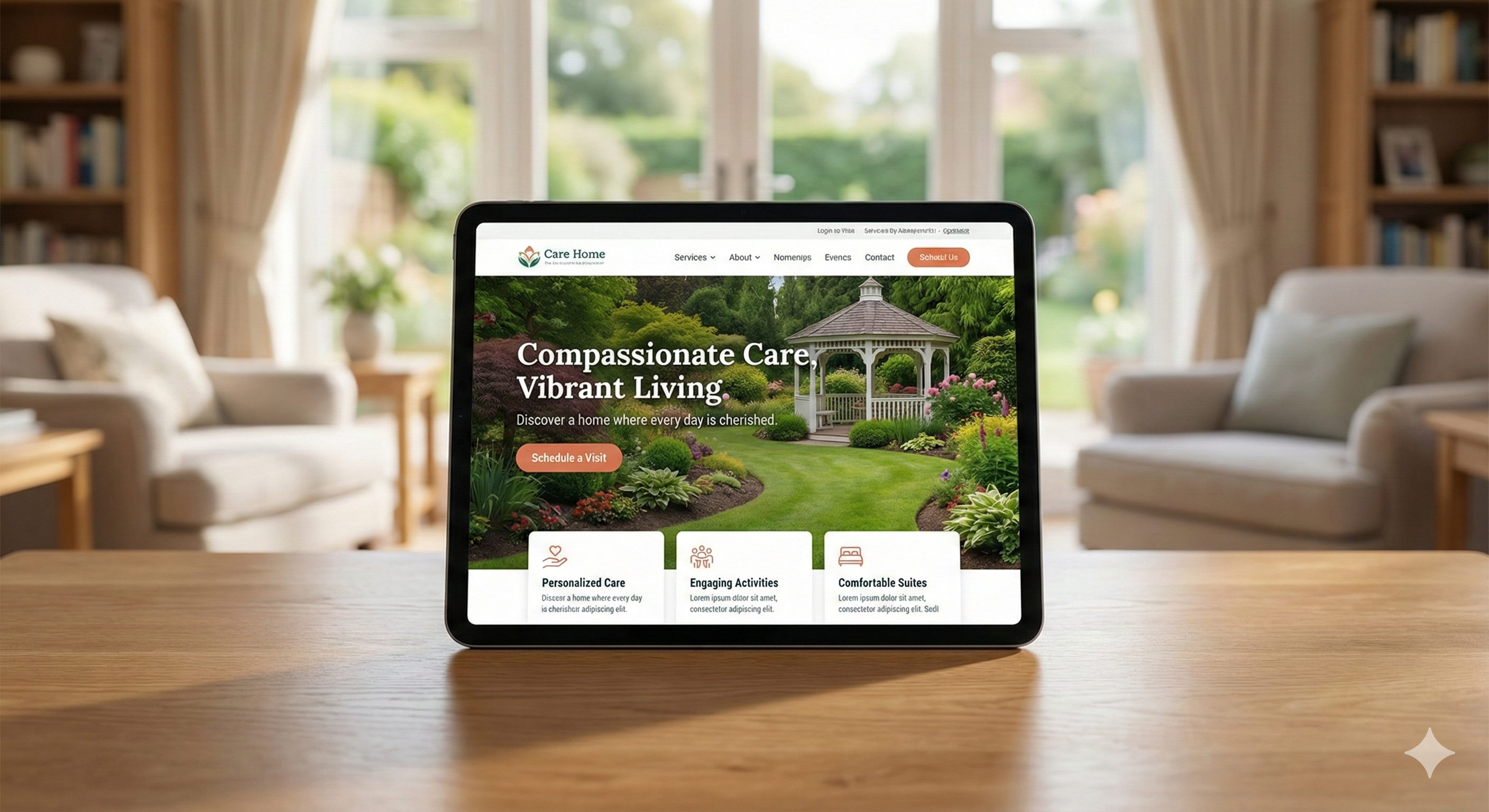
A daughter sits in a hospital cafeteria. Her father just fell. The discharge planner handed her a list of home care agencies, and now she's Googling on her phone with shaking hands. She lands on your homepage. She'll form an opinion about your agency in under 50 milliseconds. That's faster than a blink. What does she see?
If your homepage is cluttered, confusing, or missing the basics, she's already gone. And you'll never know she was there.
After reviewing enough home care agency websites, the pattern becomes remarkably consistent: agencies pack everything they can above the fold, hoping something will stick. But research tells us that less is more, and what you choose to show in that first screen determines whether families stay or bounce.
Why the First Screen Still Matters More Than Ever
There's been a lot of talk about "the death of the fold." And yes, people do scroll now more than they did a decade ago. Nielsen Norman Group's eyetracking research found that users spend about 57% of their viewing time above the fold, down from 80% previously. People have learned to scroll.
But here's what the "fold doesn't matter" crowd gets wrong: they forget that scrolling only happens if the first screen earns it.
The same Nielsen research found something striking: attention drops sharply the moment users scroll past the fold. Content in that first screen gets dramatically more focus than anything below it.
Think about what that means for your agency. A family member lands on your homepage. She's stressed, probably exhausted, maybe crying in the car after a doctor's appointment. Google's research on first impressions found that people form aesthetic judgments in as little as 17 milliseconds. She doesn't have the mental energy to hunt for information. If what she needs isn't immediately visible, she'll hit the back button and try the next agency on the list.
In the agency sites I've worked on, pages with weak above-fold content consistently show higher bounce rates. If visitors can't immediately understand who you are and what you offer, they leave. That's not a small leak in your funnel. That's a flood of lost opportunities.
Don't have time to audit and fix your homepage yourself?
We design high-converting websites for home care agencies. Book a free consultation and we'll show you exactly what's costing you leads.
Element 1: A Phone Number That Works on Mobile
This sounds obvious. It isn't. Plenty of home care websites still bury the phone number in the footer, or worse, only show it on the contact page. Some display the number as an image, which means mobile users can't tap to call.
Phone calls convert at dramatically higher rates than form submissions. Industry experience shows phone leads convert at 5 to 15 times the rate of web form submissions. Why? Because when someone calls, they're ready to talk. A form is easy to ignore or abandon.
Adding a prominent click-to-call button in the header typically increases call volume by 15-40% within the first 30 days. No additional traffic. No extra ad spend. Just making the phone number visible and tappable.
Your phone number belongs in the top right corner of your header, large enough to read easily, and coded as a clickable link (tel:) so mobile users can tap once to dial. On mobile, consider a sticky header that keeps the number visible as people scroll. Some agencies add a floating phone icon in the corner. Whatever approach you take, make calling effortless.
Why does this matter so much? Because families choosing care are making emotional decisions. They want to talk to a human. They want reassurance. A form feels cold. A phone call feels like help is on the way.
Element 2: Instant Clarity on Service Area
Here's a frustration I hear from agency owners all the time: "We get calls from people 50 miles outside our service area." That's a symptom of a homepage that doesn't communicate geography quickly.
The fix isn't complicated. Your above-fold content should answer, within seconds: "Do you serve my area?"
Options include a prominent ZIP code checker ("Enter your ZIP to see if we serve your area"), a clear city or region name in your headline or tagline ("Serving the Greater Phoenix Area Since 2008"), or a simple map thumbnail that shows your coverage.
CenterWell Home Health does this well. When visitors enter their ZIP code and it's valid, they see "You're in our service area!" with an immediate prompt to speak with a nurse. That's smart design. It qualifies visitors before they call, which saves your staff time and prevents disappointment for families who would have been out of area anyway.
Local clarity also builds trust. Families want to hire an agency that knows their community, not a faceless national chain. Seeing their city name above the fold creates an instant connection.
Element 3: Trust Signals That Actually Signal Trust
This is where I see a common mistake: agencies plaster every badge, certification, award, and affiliation they can find across their homepage. The result is visual noise that overwhelms instead of reassures.
BrightLocal's 2024 survey found that 75% of consumers always or regularly read reviews when researching local businesses. But showing trust signals effectively requires restraint.
What actually works? Pick two or three. Not twelve. The most powerful trust signals for home care websites are Google review stars with the number of reviews (e.g., "4.8 stars from 127 reviews"), state licensing badges, and one industry recognition like Home Care Pulse certification or BBB accreditation.
The landmark research here is Stanford's 2002 Web Credibility Project, which found that 46.1% of consumers assess credibility based primarily on visual design. While the study is over two decades old, the core finding remains widely cited because visual first impressions still shape how people evaluate trustworthiness. A cluttered mess of badges doesn't signal "trustworthy." It signals "desperate."
One more thing about reviews: consumers are getting more skeptical. (For a deeper dive into what families actually care about when choosing an agency, read our guide.) The same BrightLocal research shows that only 50% of consumers now trust online reviews as much as personal recommendations. That's up slightly from recent years, but still far below the 79% who felt that way back in 2020. Why the skepticism? Rising concern about fake and AI-generated reviews.
This means your review display should feel authentic. Link directly to your Google Business Profile. Show a selection of actual review snippets, not just stars. Let people see real words from real families.
Element 4: One Clear Call-to-Action, Not Five
Some home care homepages have six different buttons above the fold: "Get a Quote," "Learn More," "Meet Our Team," "View Services," "Apply for a Job," and "Contact Us." This is a conversion disaster.
When everything is a priority, nothing is.
Clutter kills conversions. In one VWO case study, a company saw a 232% increase in conversions simply by removing distractions around their CTA and adding white space. Every additional element on your page chips away at your conversion rate.
Your homepage needs one primary action. For most home care agencies, that's a phone call or a contact form. "Get Care Now" or "Request Free Consultation" works better than generic "Learn More" buttons because they tell visitors exactly what happens next.
Should you test "Request a Call" versus "Get a Quote"? Maybe. Home Care Marketing Pros notes that changing CTA language can move the needle. But here's my honest take: the exact wording matters less than having a single, unmissable action. A big green button that says "Start Here" will outperform five competing options every time.
If you're trying to recruit caregivers and acquire clients from the same homepage, you have a harder design challenge. Consider showing a smaller secondary CTA for careers ("Looking for work? Apply here") but make it visually subordinate to your primary client-focused action. Or better yet, build a separate careers subdomain so you're not mixing audiences.
Element 5: Human Faces That Feel Real
Most people scrolling for home care aren't doing it casually. They're scared. They're guilty. They're wondering if they're doing the right thing. The imagery you show above the fold either helps them feel understood or confirms their fear that this is all impersonal and corporate.
I strongly recommend against generic stock photos. You know the ones: the smiling elderly woman with suspiciously perfect teeth, the young "caregiver" in a lab coat who looks like a pharmaceutical ad. These images signal inauthenticity.
Instead, invest in real photos of your actual team. It doesn't have to be expensive. A local photographer for half a day can produce enough images to transform your website. Show caregivers in casual, approachable clothing, not medical scrubs. Show genuine interactions, not posed handshakes.
There's research behind this. Eye-tracking studies show that direct eye contact in photos increases conversion rates by 4-7%. But the eyes need to look real and warm, not like a stock model hitting a mark.
The goal is to help visitors imagine your caregivers in their parent's home. If the imagery feels corporate or sterile, that imagination breaks down. If the faces feel like real people who genuinely care, families take the next step. (The same principle applies to your social media content - authenticity wins.)
Common Problems on Agency Homepages
I spend a lot of time auditing home care agency websites, and these problems appear over and over again:
Phone numbers that aren't clickable: A surprising number of home care sites display phone numbers as images, use CSS styling that blocks the tap action, or require users to scroll to find the number at all. In my audits, most agencies don't have a properly coded tap-to-call link on mobile. This single fix takes 10 minutes and can transform mobile conversion.
CTA button overload: The typical home care homepage has four or five buttons above the fold. The pages that convert best? Usually two. One for families, one for job seekers. Clear separation, no confusion.
Trust signal clutter: I routinely find homepages with a dozen or more badges, certifications, and affiliations crammed above the fold. Trimming that down to two or three strong signals (Google stars, state license, one certification) tends to drop bounce rates noticeably within a couple of months.
Stock photo patterns: Research on visual trust consistently shows that authentic team photos rate higher for "trustworthiness" and "caring" than stock imagery, even when the stock photos are technically higher quality. Families can tell the difference.
These aren't theoretical principles. They're patterns I see on agency websites constantly, and they're fixable in an afternoon.
Case Study: Primary Health Network
When Primary Health Network, a multilocation healthcare provider with 17 centers, invested in a website redesign focused on user experience, they saw meaningful improvements in engagement. Bounce rate dropped by 20.83% across all channels. The new design wasn't flashy or revolutionary. It was clearer, with better-organized content and intuitive navigation for users looking to access information quickly.
The lesson: you don't need to reinvent the wheel. You need to remove friction.
What About Below the Fold?
Once you've earned the scroll, what should come next? This deserves a quick mention because plenty of agencies nail the above-fold and then immediately sabotage themselves with walls of text nobody reads.
After the first screen, your homepage should deliver on the promise. That means service overviews (not exhaustive lists, just enough to orient visitors), a few compelling testimonials, brief information about your hiring and training standards, and perhaps a section addressing "Why choose us" with specific, honest answers.
Nielsen Norman Group's research confirms that 74% of viewing time happens in the first two screenfuls of content. By the third screen, most visitors have made their decision. So front-load your best material. Don't bury key messages in a section nobody reaches.
The Contrarian View
I should be honest about the research tension here. While above-the-fold still matters, its importance has declined. Chartbeat's 2013 analysis of two billion website visits found that the vast majority of engaged time on a typical page is actually spent below the fold. This research is over a decade old, but the core insight holds: people do scroll.
Does this mean you can ignore the first screen? Not at all. Users scroll because something above the fold enticed them. Think of your above-fold content as the hook. What comes below is where you deliver the meal. Both matter, but without the hook, the meal is never served.
Mobile Matters More Than You Think
Across most home care campaigns, 75-90% of leads come from mobile users. If your homepage isn't designed mobile-first, you're designing for the minority.
For the home care audience specifically, this is even more pronounced. The daughter in the hospital cafeteria isn't on a desktop computer. She's on her phone. Google's research on mobile behavior found that 53% of mobile users abandon a site that takes more than three seconds to load.
Nielsen Norman Group's research on seniors and the web highlights that readability remains a persistent challenge. Interface elements on mobile apps are often too small and lightly colored for older adults to use comfortably. While the decision-maker might be a 50-year-old daughter, the senior themselves may also be browsing. Consider both audiences.
For mobile, your five elements become even more compressed. The phone number should be tap-to-call. The trust signals might shrink to just a review score. The CTA button needs to be large enough to hit with a thumb. Prioritize ruthlessly.
What This Looks Like in Practice
Let me paint a picture of an effective above-fold section. A family member lands on the page. Within one second, they see your agency name and tagline confirming the service and location ("Trusted In-Home Care for Seattle Families"). Just below that, maybe overlaid on a warm photo of a real caregiver with a real client, they see your phone number in a prominent position. A button says "Request Free Consultation." Below that, a small row shows your Google rating (4.9 stars, 143 reviews) and your state license badge.
That's it. Clean. Clear. Actionable.
The stressed daughter sees immediately: this agency serves her area, other families trust them, and there's an easy way to get help. She calls. Your staff answers. The relationship begins.
Above-the-Fold Checklist: Do This Week
- ☐ Phone number visible in header - Large, tap-to-call on mobile, not buried in footer
- ☐ Service area clear - City/region in tagline OR ZIP code checker
- ☐ One primary CTA - "Request Free Consultation" or similar, not 5 competing buttons
- ☐ 2-3 trust signals max - Google stars + review count, state license, one certification
- ☐ Real human photo - Your actual team, not stock. Eye contact helps.
- ☐ Mobile test - Load your site on phone. Can you call in one tap? Is CTA thumb-reachable?
Screenshot this. Check each box. One afternoon of fixes can transform your conversion rate.
The Ultimate Marketing Checklist for Home Care
15-point GBP audit, review generation templates, recruitment ad examples, website conversion checklist, and social media calendar.
Get the Free ChecklistWant Us to Handle Your Website?
Everything in this article? We do it every day. We build websites for home care agencies that actually convert visitors into calls. If you'd rather hand this off to experts, let's talk.
Book a Free Consultation15 minutes. No pressure. Just an honest look at your site.
The families who need your care don't have time to dig through your website. Give them what they need in the first glance, and they'll give you the chance to serve them.